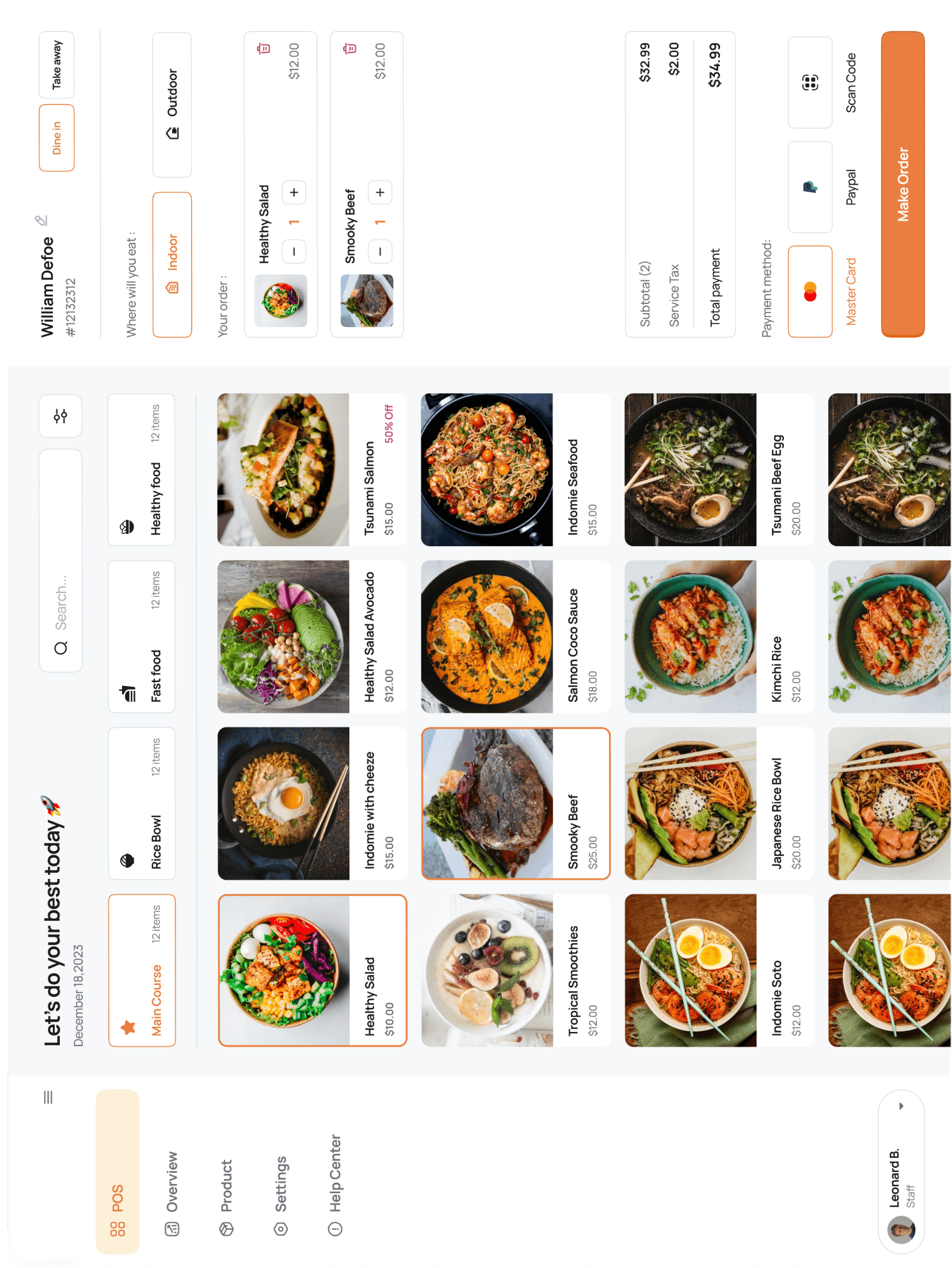





Receipt printer shows offline
The printer needs to be on the SAME Wi-Fi network as the iPad. Airport shopping-mall Wi-Fi often isolates devices — plug the printer into a wired router if possible.
Go to Settings → Devices → tap the printer name → Test print to confirm.