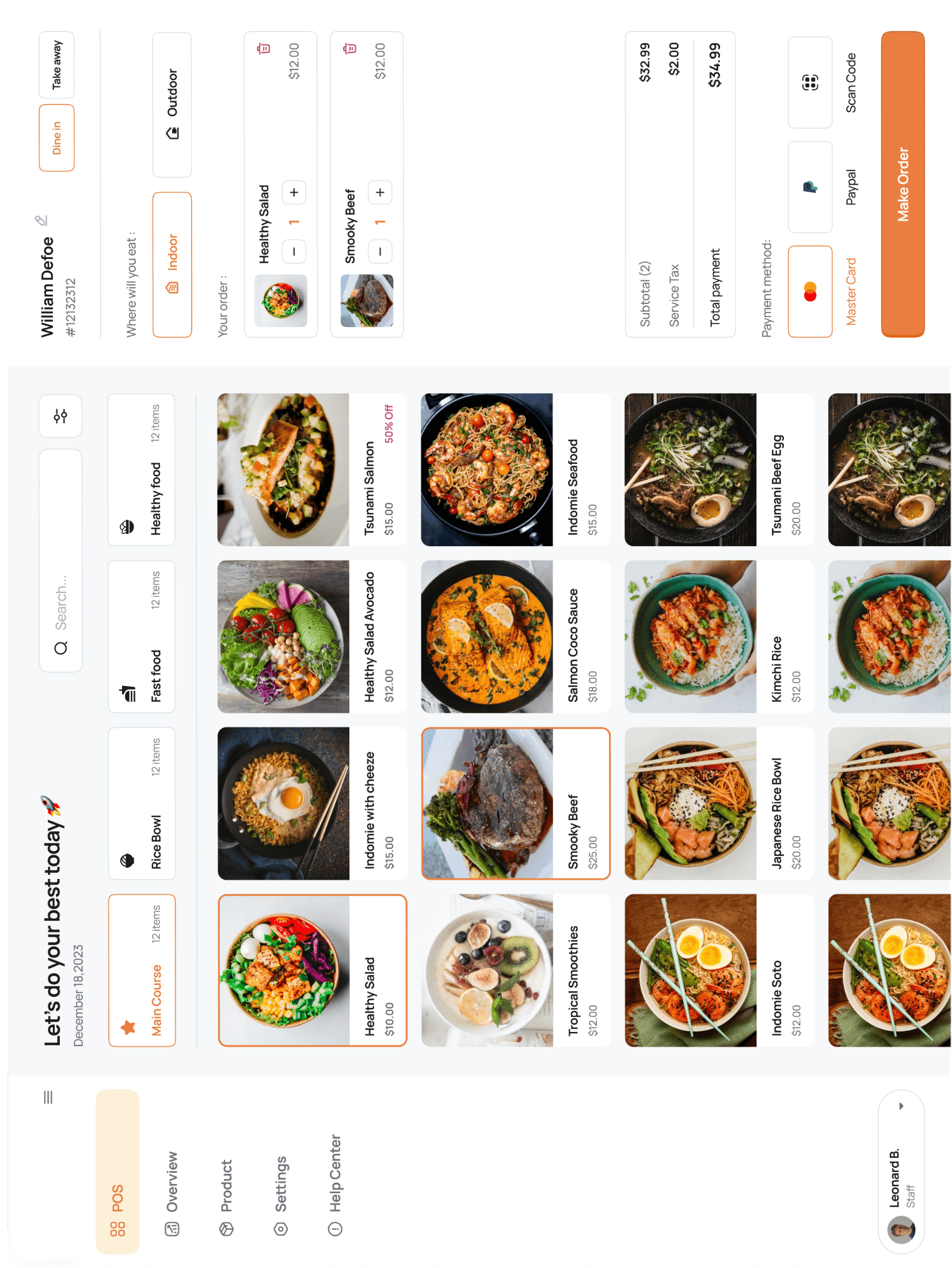




Export sales data to CSV
Every report page has a Download CSV button in the top-right. The file matches the on-screen columns; date range and filters carry through.
For scheduled exports, use the API — `GET /v1/reports/orders/items?from=...&to=...`.
Every report page has a Download CSV button in the top-right. The file matches the on-screen columns; date range and filters carry through.
For scheduled exports, use the API — `GET /v1/reports/orders/items?from=...&to=...`.
or talk to our experts to see how Pacific POS can help your business.