




Set up low-stock alerts
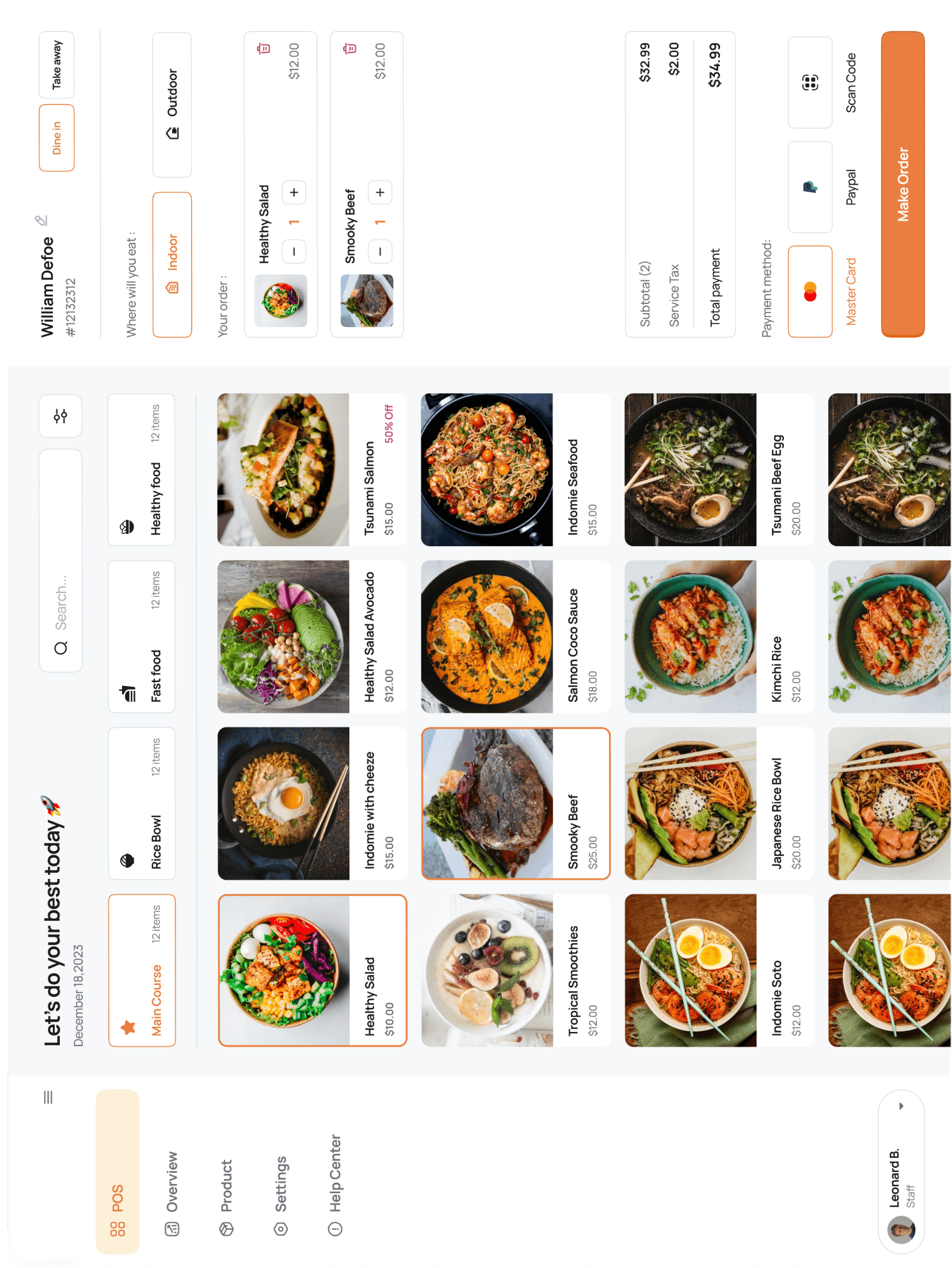
Products → pick a SKU → Alerts tab → set the reorder point. The dashboard flags items at or below the threshold and emails the store manager once per day.

Set alerts for your top 20 movers first; you can bulk-set defaults from Settings → Inventory → Defaults.