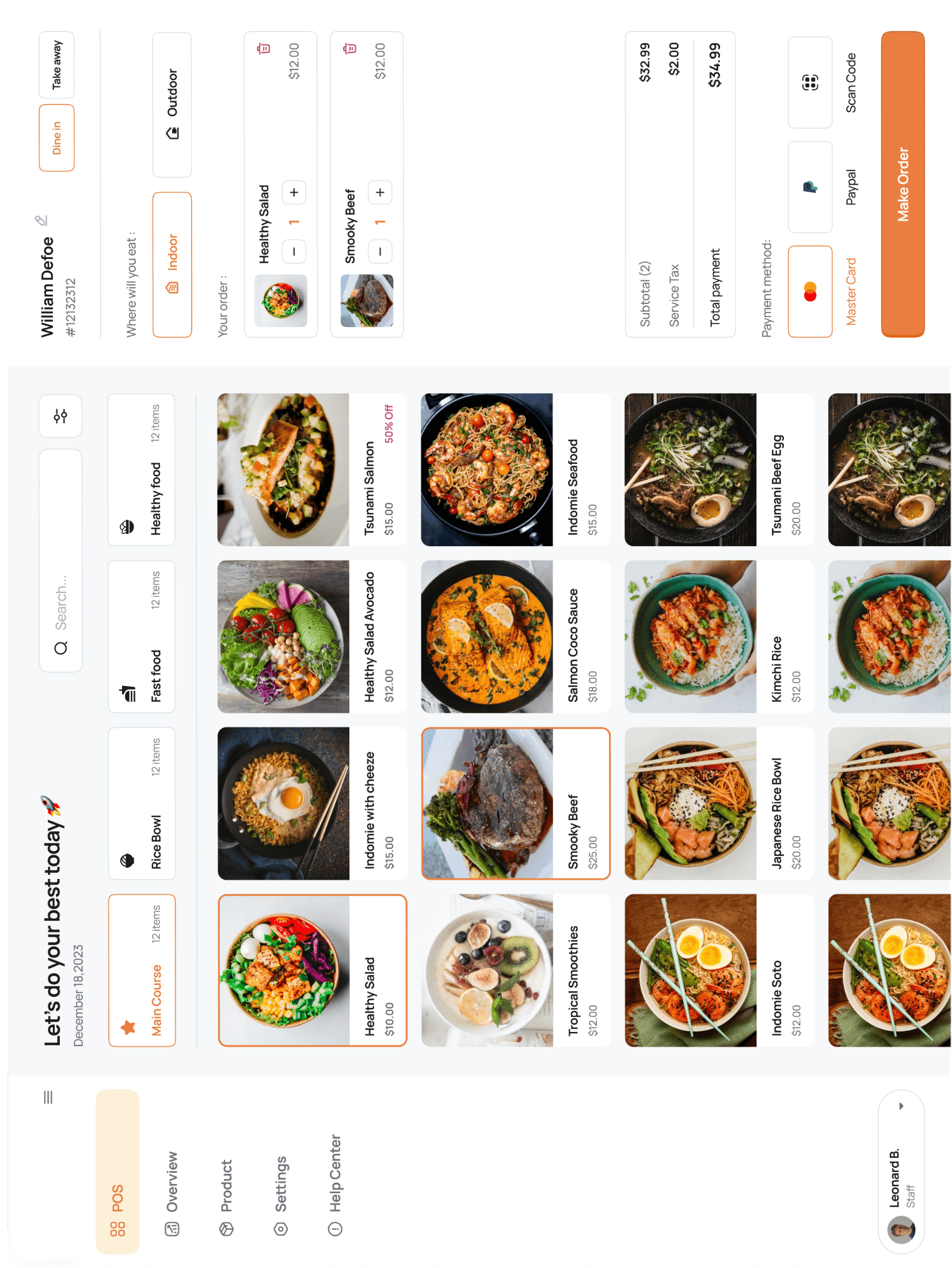





Invite staff and set roles
Owner → General Manager → Manager → Cashier are the four preset roles. Any employee gets a personal login; permissions come from the role, not the seat.
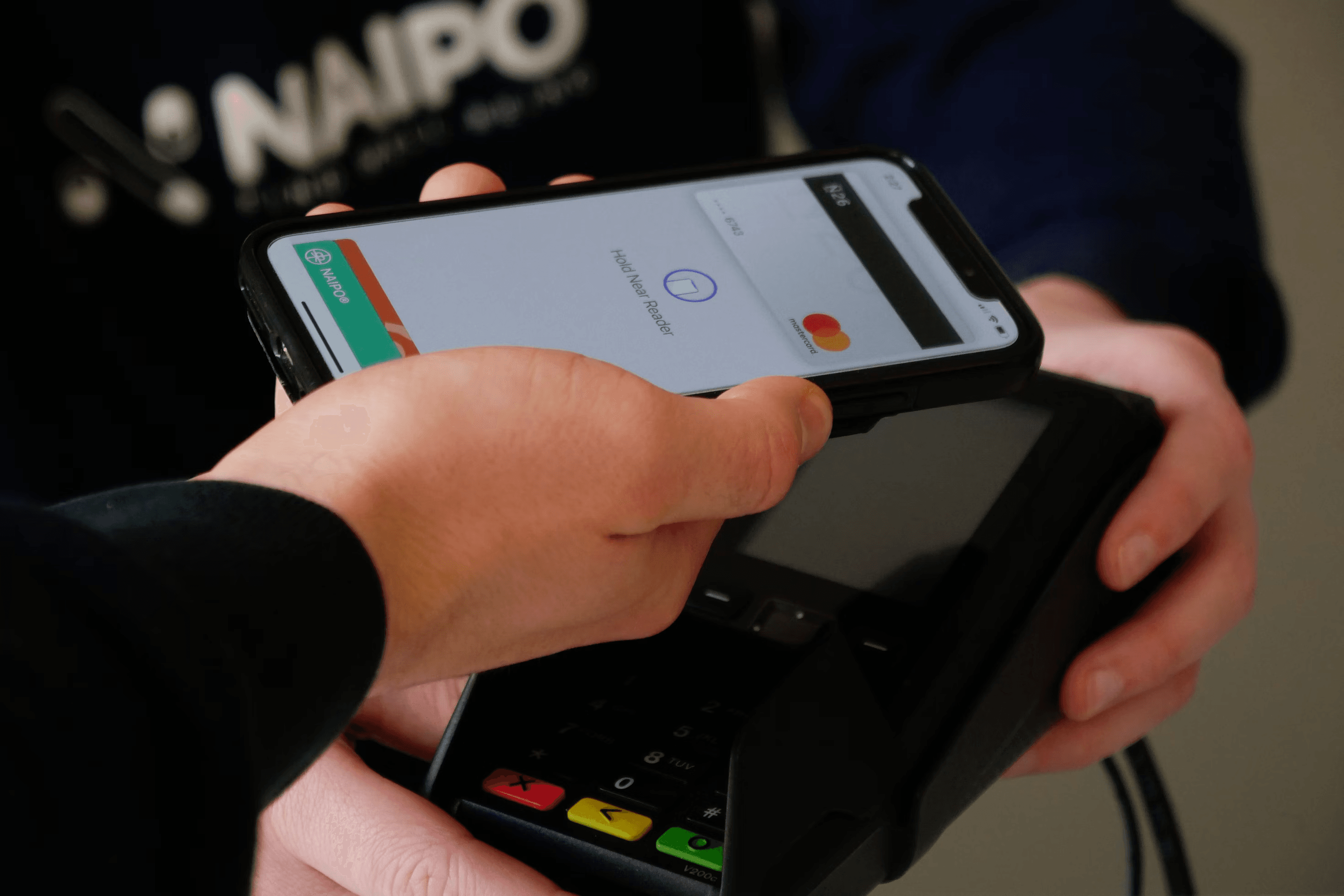
Go to Settings → Users → Invite. Send them a link, they set their own password, done.